Free Typing Practice with Classic Books & Real Stories
TypeMaster is a free typing practice website built around classic literature — not random letter drills. Practice typing by retyping entire books and stories chapter by chapter from a library of 1,400+ titles, then use structured levels when you want fundamentals. Improve real-world speed, accuracy, and reading rhythm.
Why Literature Beats Random Word Generators
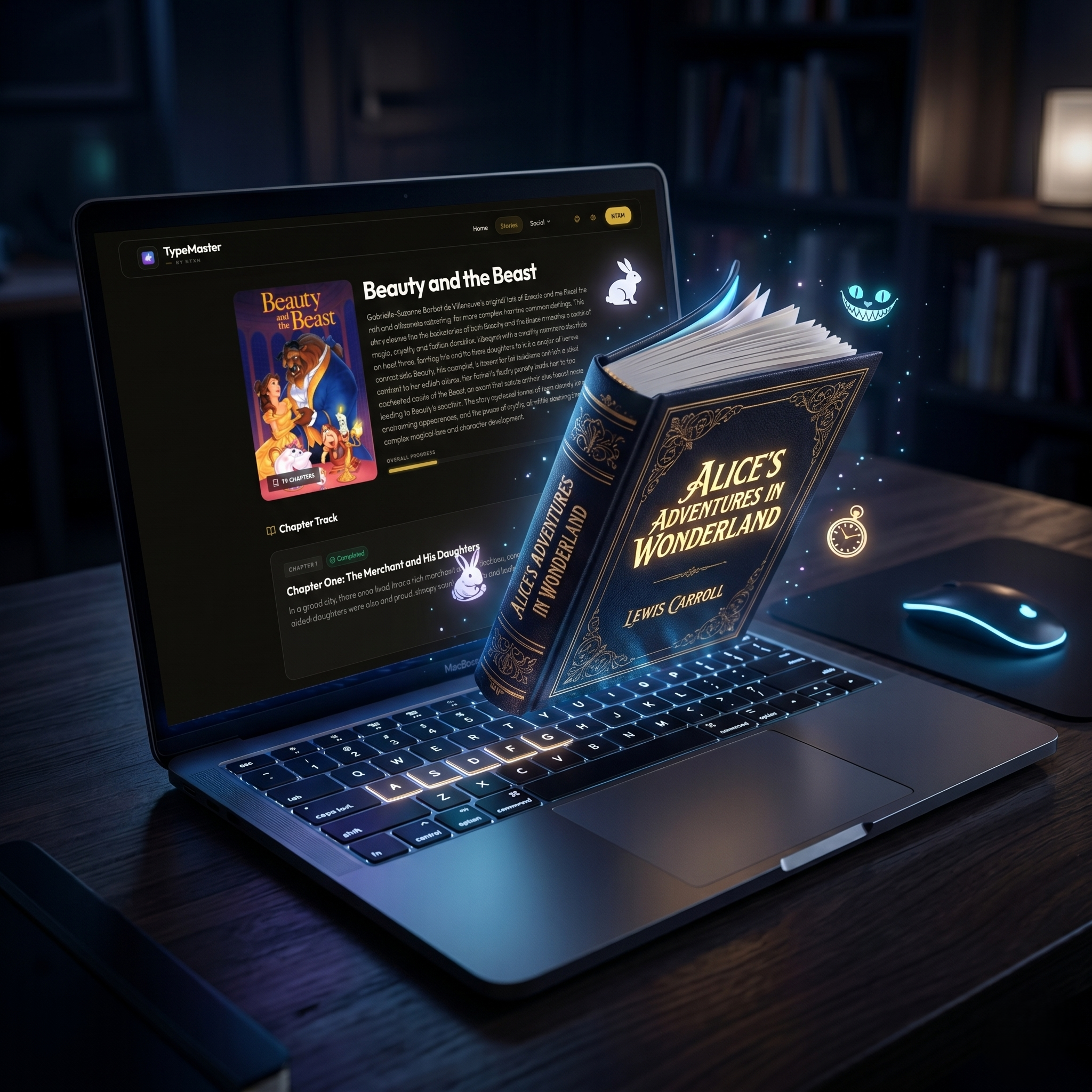
High-quality typing practice should feel like real writing. When you type Dickens, Austen, or Conan Doyle, you train punctuation, vocabulary, and sustained focus that nonsense syllable tutors never build. That is why our primary mode is story typing with entire books.
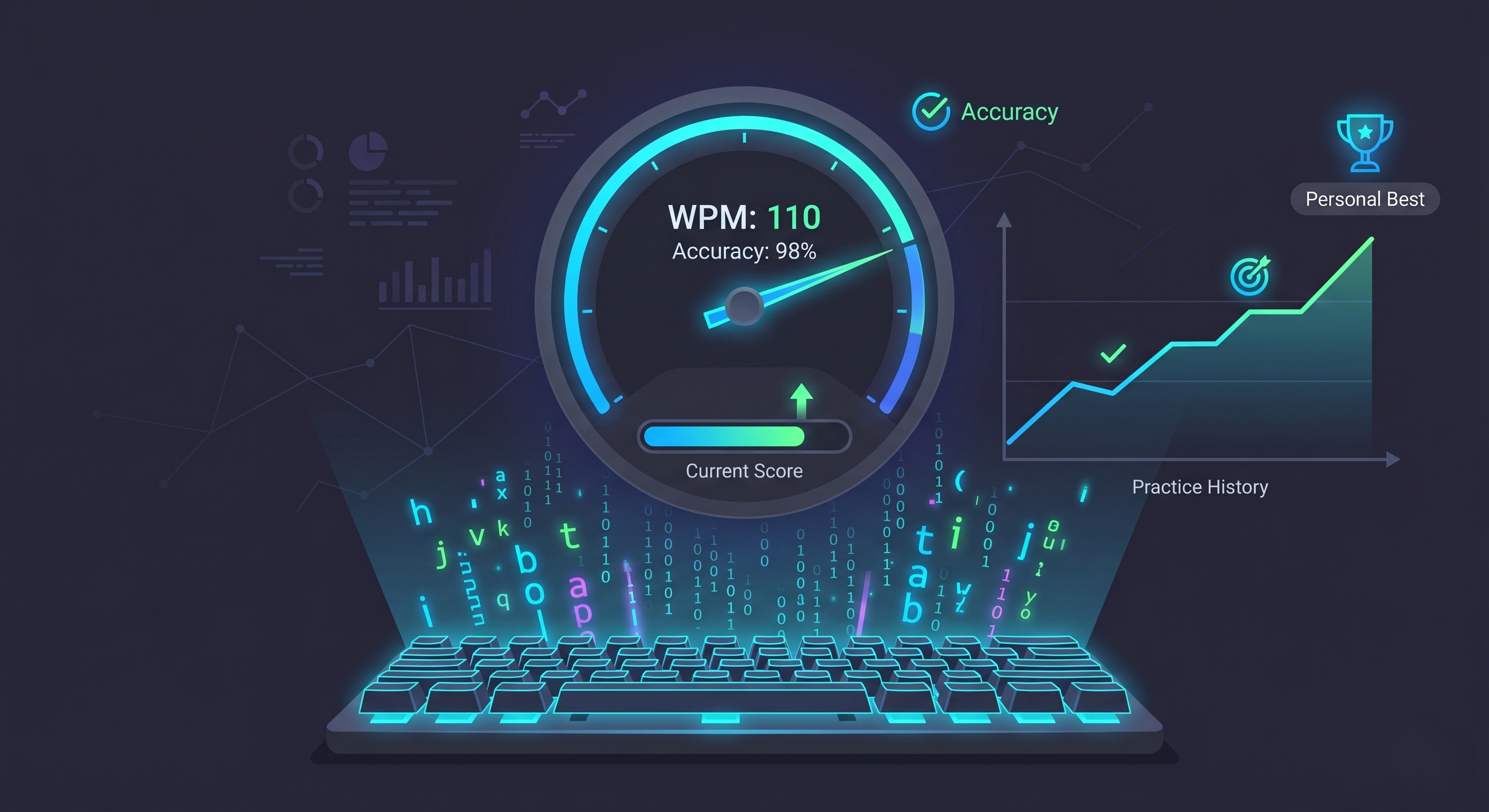
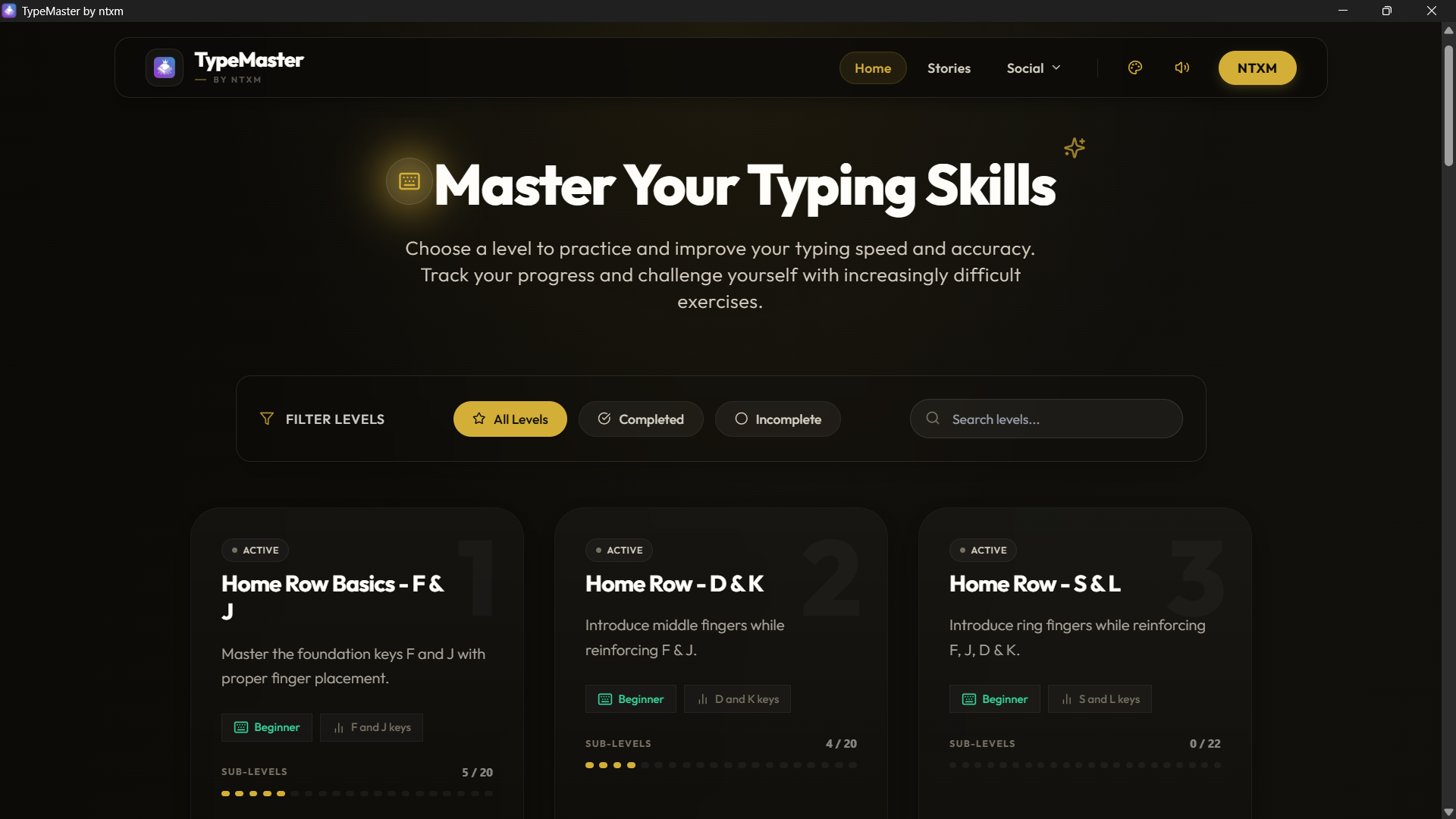
Browse authors and genres, pick a novel, and type chapter by chapter while tracking WPM and accuracy. Optional lesson levels and coding syntax tracks are available, but the core product is book-based practice.
Core Concepts of Touch Typing Techniques
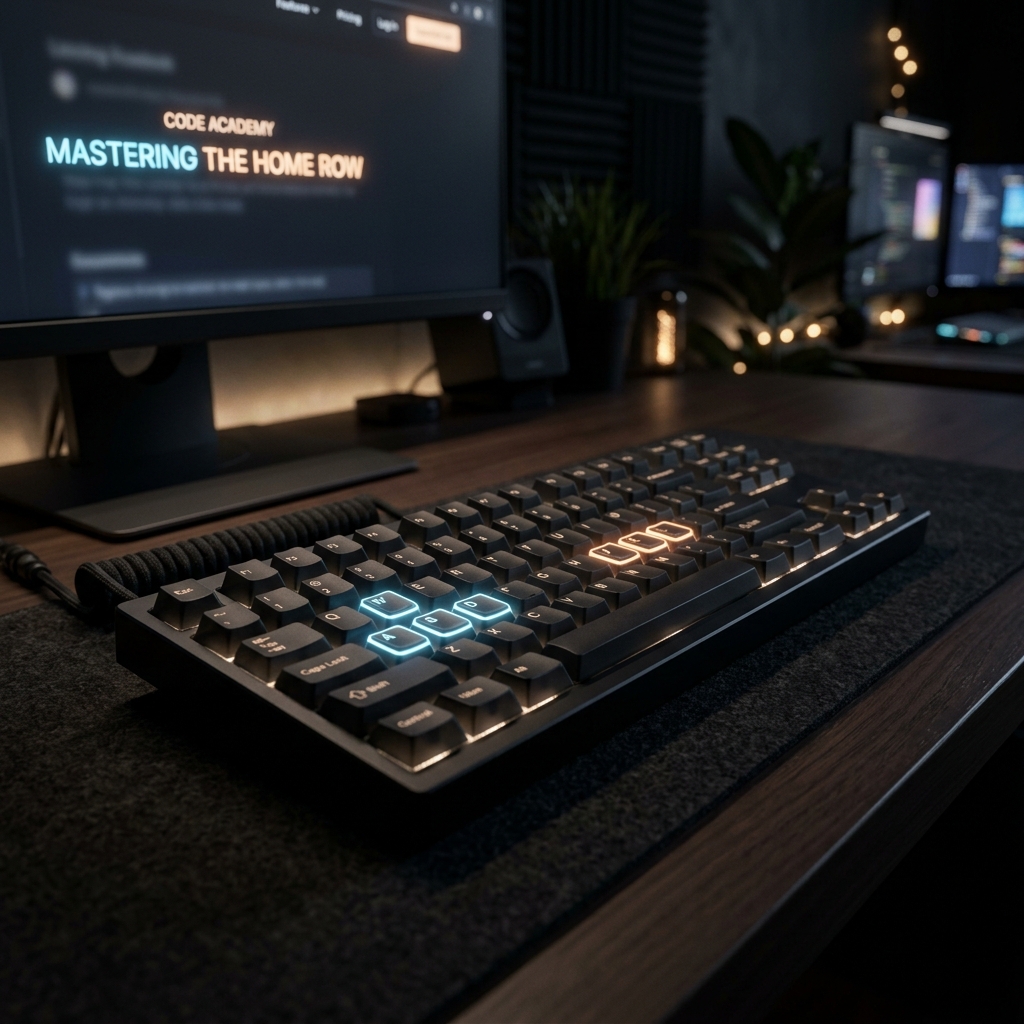
- The Home Row Anchor: Proper index finger placement on the 'F' and 'J' keys (often with raised tactile markers) provides the kinetic anchor needed for comprehensive spatial awareness without sight.
- Posture and Ergonomics: Maintaining upright stance and 90-degree elbow curvature is critical for preventing repetitive strain injury (RSI).
- Rhythm Over Speed: Early learners should prioritize a consistent, metronomic keystroke interval. WPM (Words Per Minute) metrics naturally inflate once high accuracy thresholds are consistently sustained.
Story Mode: Type Entire Books
Classic dull drill software induces fatigue. TypeMaster leads with Story Mode Typing. Typing out classic literature exposes you to rich vocabulary, sentence rhythm, and grammatical flow that random word generators omit. Start in the stories library and treat each chapter as a real typing session.
The Power of Offline Typing Software Download
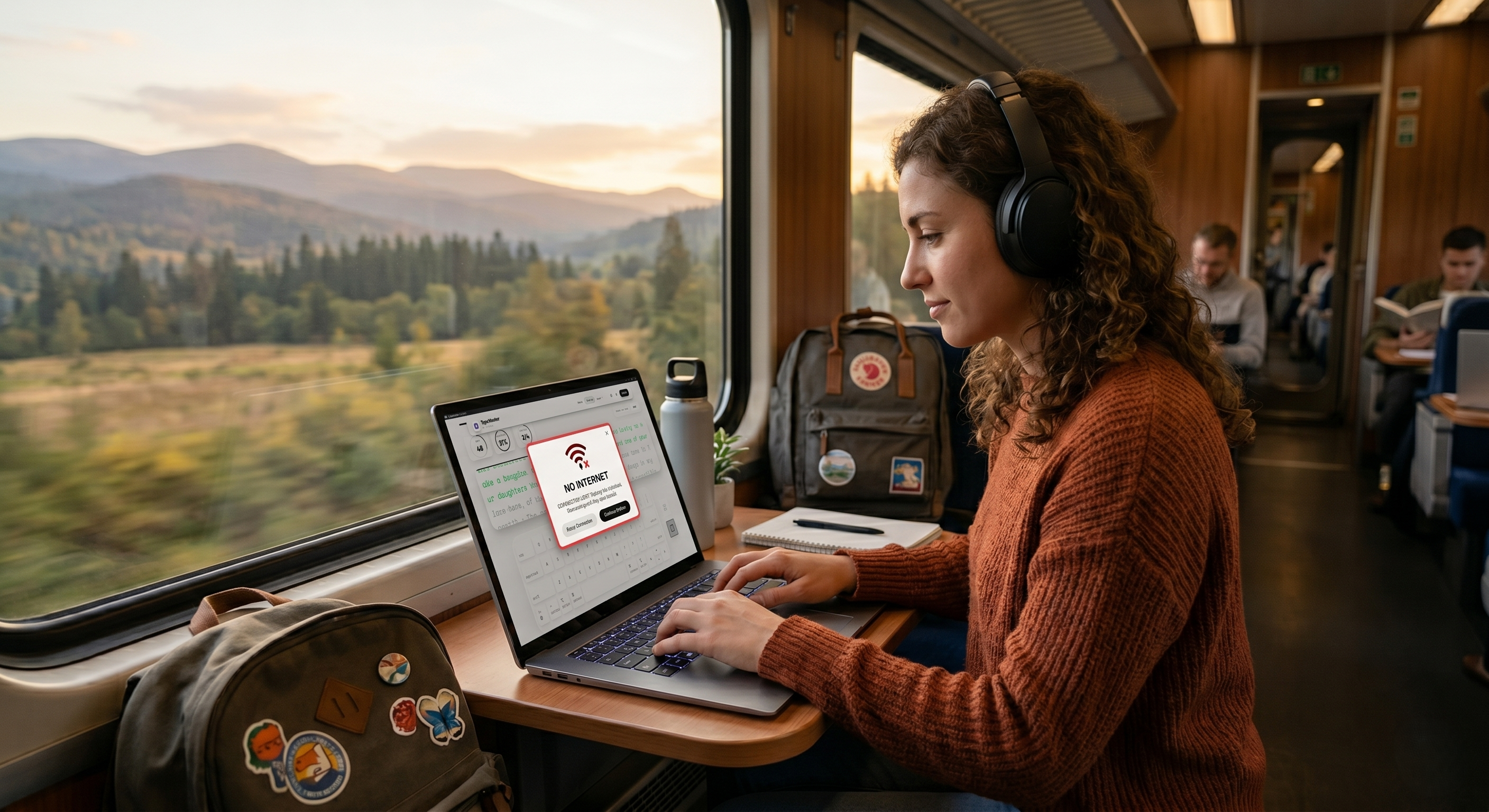
Relying purely on browser-based environments limits focus and accessibility. Our free typing software for PC offline provides distinct advantages:
Zero Distractions
Remove browser tabs, social media pings, and buffering latency. Dedicated local binaries keep the CPU cycled strictly for UI rendering and inputs.
Full Data Safety
Offline modes ensure training outcomes and tracking logs stay on your local device, maximizing security, preventing third-party leaks, and allowing manual backup and **export of training outcomes** for continuous **improvement tracking** across environments.
While standard touch typing is designed for physical computer setups, TypeMaster also acts as an efficient **mobile typing tutor** and training interface for iPad, Android, and general **tablets with Bluetooth external keyboards**. Expand your study routines beyond traditional desktops with lightweight portable hardware.
With compatibility spanning Windows 7, 8, 10, and the latest Windows 11 builds, the desktop app packages full lesson modules and printable typing certificates engines for academic validation.
Advancing into Coding Lessons & Glyphs
Standard alphabetical drilling only goes so far. Modern technologists must tackle coding lessons and special glyph combinations prevalent in array programming and scripting. Mastering brace brackets, curly braces, logical operators, and indentations requires targeting obscure keyboard real estate previously reserved for power users.
Whether you are looking for a robust APL Glyph Typing Tutor style experience or engaging in classical mechanical Copywork routines, TypeMaster expands lessons dynamically into these symbolic arenas, readying users for complex technical software development and software engineering environments.
For Students, Educators, & Homeschoolers
We believe structured keyboard education should be accessible without institutional pricing tiers.
For Students
Engage in gamified practice sessions, build confidence for essay composition, and improve performance during computer-based standardized testing environments.
For Educators
Deploy our ad-free web instance directly across classroom devices or thin clients, providing a safe, distraction-free space to build technical muscle memory.
For Homeschoolers
Leverage our offline Windows application suite for isolated learning environments, allowing parents to control curriculum exposure without requiring live Wi-Fi.
Join thousands of users upgrading their communicative velocity. Start your typing journey with the best free offline and online typing software ecosystem today.