Version 0.1.2
Type anywhere.
Even offline.
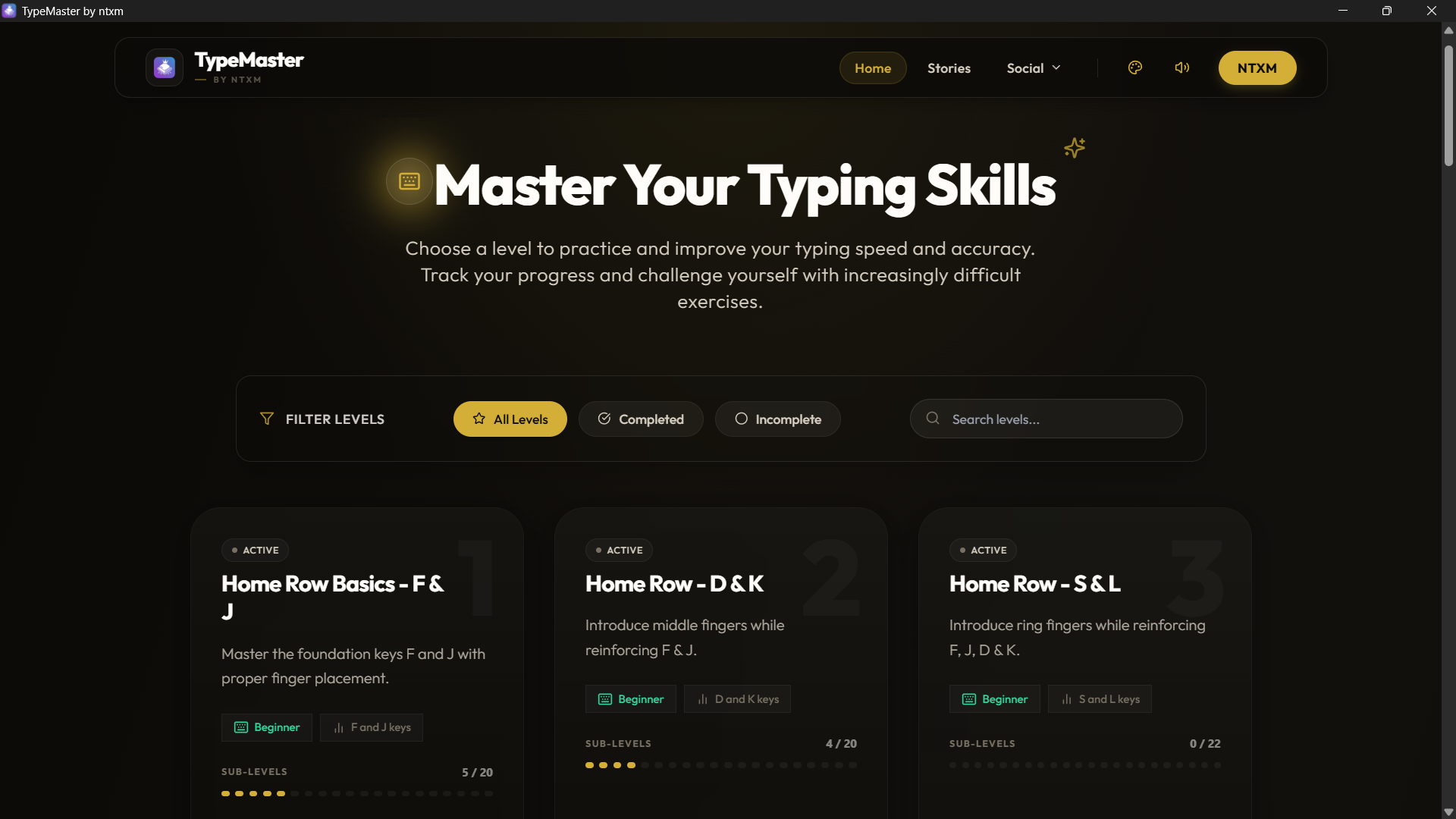
The full TypeMaster app for your desktop. Free to use.
TypeMaster
Before you start
Requirements
| Item | Windows | macOS |
|---|---|---|
| System | Windows 10 or 11, 64-bit | macOS on Apple Silicon (M1 or newer) |
| Not supported | 32-bit and ARM Windows | Intel Macs |
| Installer | .msi | .dmg |
| Download size | About 500 MB | About 503 MB |
| Internet | Only to download | Only to download |
Setup
How to install
Windows
- 01Download the .msi file.
- 02Double-click it and follow the installer.
- 03If Windows SmartScreen appears, choose More info, then Run anyway.
- 04Open TypeMaster from the Start menu.
macOS
- 01Download the .dmg file and open it.
- 02Drag TypeMaster into your Applications folder.
- 03If macOS blocks it, right-click the app and choose Open, then confirm.
- 04Launch TypeMaster from Applications.
FAQ
Questions
Is it free?
Yes. TypeMaster is free to use, with no login, no ads and no paywall.
Is it proprietary?
Yes. TypeMaster is proprietary software. It is free to use, but the source code is not published.
Does it work offline?
Yes. After installing, you can practice without an internet connection. Your progress stays on your own device.
Does it run on Intel Macs?
No. The Mac build is for Apple Silicon only (M1 or newer). On an Intel Mac, use the web version instead.
Why is the file so large?
The installer bundles the full library of books and stories so everything works offline.
What changed in this version?
Read the release notes for the full list.